
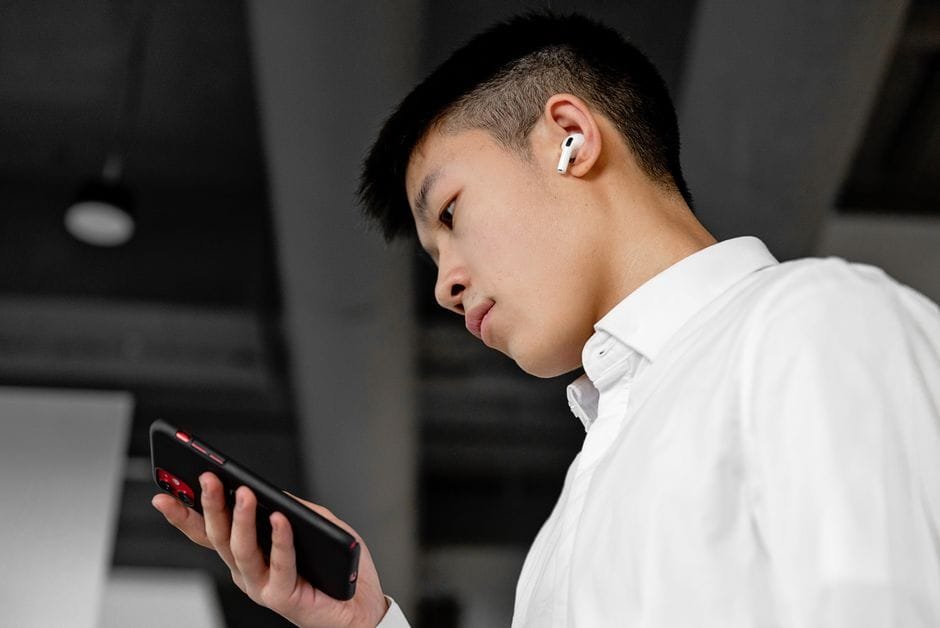
Headed to Tokyo or Seoul and tired of charades at the cashier? The Timekettle W4 Plus is getting attention as “the most capable AI interpreter earbuds yet,” according to Android Authority. That sounds promising. But are AI interpreter earbuds finally trip-ready for Filipinos going to Japan or Korea?
What actually matters on the street
Translator tech lives or dies on basics we feel right away: speed, clarity, and how awkward it makes you look. In real travel, the test isn’t a quiet demo. It’s a busy ramen shop, a subway transfer, or a convenience store at 11 PM when you’re half-asleep.
Expect a short delay before translations. That’s normal. What you want is consistency. Clear voice pickup helps a lot because street noise in Shibuya or Myeongdong can be brutal. Good mics, snug fit, and speaking clearly save you from repeats.
Data is the other big factor. Many AI interpreters work best with the cloud. That means you either grab an eSIM, rent pocket Wi‑Fi, or enable roaming. No data, no magic. If your trip includes countryside trains or mountain shrines with spotty signal, plan a backup phrase strategy on your phone.
One more thing: etiquette. Japan and Korea both appreciate polite forms. Even great translation sounds rough if the phrasing feels too casual. When possible, choose polite outputs and keep your tone friendly. A smile helps more than any chipset.
Timekettle W4 Plus for Japan and Korea trips
The W4 Plus sits in a category people actually want to wear. Earbuds are less awkward than waving a phone into someone’s face. According to Android Authority, it’s Timekettle’s most capable AI interpreter earbuds yet, which suggests progress where it counts. That’s good news for quick orders, simple directions, and small talk with store staff.
Here’s where earbuds shine in real life. Ordering food when there’s a line behind you. Asking a staff member where the IC card top-up machine is. Clarifying a shoe size in a busy shop. You want hands free for your wallet and bags while your ears do the work. Earbuds help you keep the flow.
There are limits. Fast, multi-speaker conversations are hard for any tool. Accents vary. Background music and traffic will trip up even the best mics. And translation isn’t perfect. Treat it like a capable teammate, not a universal remote for humans. For legal, medical, or hotel check-in fine print, you still want a human or a text-based translation you can double-check.
Setup checklist an IT friend would do
Set it up before you fly. Don’t be that person updating firmware at NAIA while boarding.
– Install the companion app and create an account at home. Test a few phrases both ways.
– Check language availability for Japanese and Korean on the official page. Features change.
– Buy data in advance. An eSIM with a few GB is enough for maps and translation. Pocket Wi‑Fi also works.
– Pack a small power bank. Translation sessions drain phones and earbuds faster than music.
– Practice pace. Short, simple sentences translate cleaner. Say what you need, pause, listen, then respond.
– For shops and restaurants, prepare go-to lines. “Do you have English menu?” “Where is the platform for [line]?” “No pork, please.”
Pro tip: When it’s noisy, move one step aside and face the person. Covering a mic with a scarf or mask often muffles audio. Keep it clear and close.
Do you still need Google Translate?
Earbuds are great when you want hands free. Phones are great when you need to translate text, menus, or signs. If you can, use both. An IT-style setup pairs the earbuds for conversations and keeps a translate app for photos and written details.
| Tool/Device | Best For | Budget Level | Caution |
|---|---|---|---|
| Timekettle W4 Plus | Hands-free, quick chats with staff, simple Q&A | Mid to high | Check language support, data needs, and battery before travel |
| Phone + Translate app | Menus, signs, addresses, longer text | Low | Awkward for spoken back-and-forth, needs steady data for best results |
| Handheld translator device | Dedicated use, family trips, sharing with companions | Mid | Another gadget to carry and charge; check supported languages |
Field notes for Japan and Korea
Transit stations: Staff help is fast and efficient. Keep your ask simple. “Which platform for [line name] to [destination]?” Hold eye contact, not your phone.
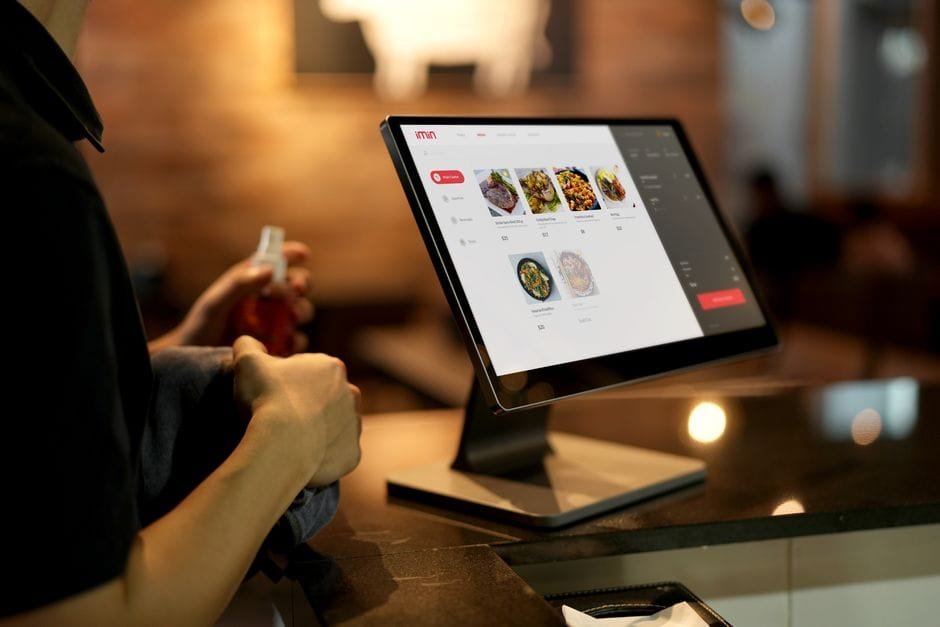
Restaurants: Pointing plus short phrases works best. Show the item on the menu, then confirm preferences through translation. If a place is slammed, be considerate and keep it short.
Convenience stores: Perfect for quick clarifications. Ask about heated items, payment types, or ticket services. Short and clear wins.
Shopping: Sizes and returns get tricky. If it’s important, switch to text translation and show the screen. Staff can read at their pace without re-asking.
Taxis: Many drivers know key tourist spots. Have the address in local script ready on your phone. Use earbuds for quick clarifications, but show the address to avoid errors.
Privacy, cost, and reliability
AI translation usually means cloud processing. Be mindful of what you say through any translator. Avoid reading card numbers, passport details, or private info out loud. If you must, use text and then clear your history.
Costs add up quietly. You’re powering your phone, your earbuds, and your data. A 10,000 mAh power bank is the minimum for day-long exploring. Roaming is convenient but pricey; an eSIM is often the most cost-effective. Tipid na, masaya pa.
Reliability improves when you control what you can. Speak slowly. Reduce background noise. Keep both ends close to their mics. If things get messy, switch to text. It’s not defeat; it’s the right tool for the job.
Verdict on the Timekettle W4 Plus
If you want smoother, more natural travel chats, earbuds are finally crossing from “cool demo” to “actually helpful.” The Timekettle W4 Plus being described as their most capable AI interpreter earbuds yet is a good sign for Japan and Korea trips. With a solid setup and realistic expectations, you’ll get real value from it.
But it’s not magic. Treat earbuds as your conversation helper, keep a translate app for menus and addresses, and carry data plus battery. Do that and, yes, these AI interpreter earbuds are trip-ready for most Filipino travelers. Sobrang worth it for everyday interactions, less so for complex or sensitive topics.
Before you buy, check the official page for full specs, language support, and app requirements. Features change fast, and you want this set up right before wheels up.
Sources and Further Reading
– Android Authority: The new W4 Plus is Timekettle’s most capable AI interpreter earbuds yet
– Timekettle official site: Search for “Timekettle W4 Plus” for the latest specs and supported languages
Disclaimer: Specs, prices, language support, and travel rules change. Always check the official pages and your mobile provider before your trip.