
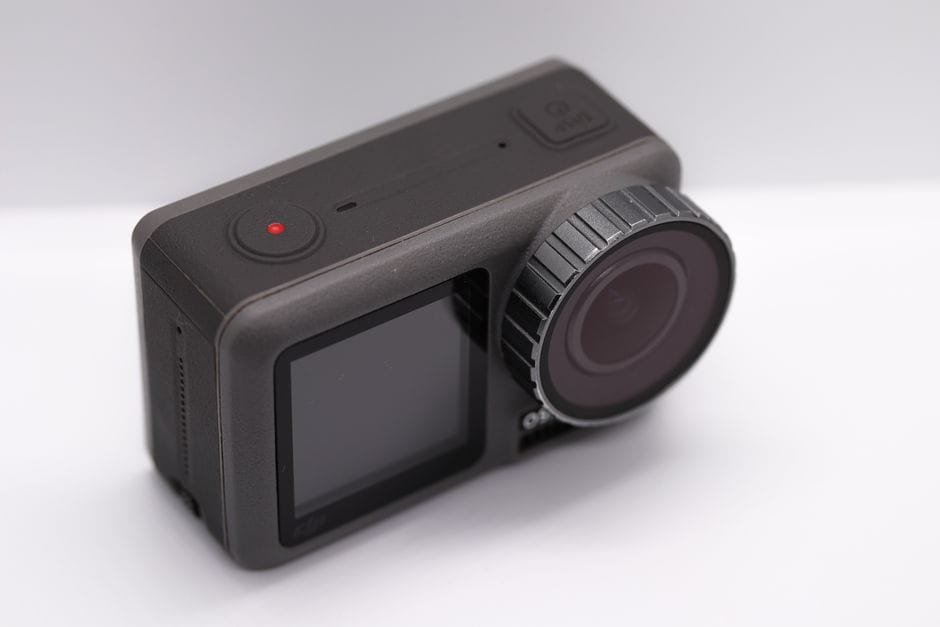
You’re seeing the DJI Osmo 360 II everywhere and wondering if this is the upgrade that finally cleans up your island trips, camp nights, and moto runs. Short answer: the DJI Osmo 360 II brings bigger sensors and serious resolution. But should you jump now or wait for promos? Let’s break it down for Filipino travelers and outdoor creators who actually need their gear to work beach-side, in Baguio fog, and inside cramped vans on a 12-hour ride.
What’s new on the DJI Osmo 360 II
The headline update is clear: dual 1-inch square CMOS sensors and up to 8K at 60fps capture. Those two changes matter more than any buzzword, because they directly touch image quality, editing flexibility, and your ability to rescue bad lighting.
Dual 1-inch sensors mean more light and better detail. This helps when you shoot pre-dawn call times at Mt. Pulag, step into a dim carinderia, or hit night markets after a long drive. You’ll get cleaner shadows and more room to grade without the footage falling apart too fast.
8K/60 gives you two big wins. First, you can reframe and crop for YouTube, TikTok, and Reels from one clip without the video turning to mush. Second, 60fps means smoother motion when you’re on boats, bikes, or running to catch sunset. You can also slow it down a bit in post for instant polish. For students pulling all-nighters to edit, that flexibility can save time because you don’t need to reshoot angles.
Why this matters for PH travel and outdoor shoots
Our light is harsh and fast-changing. You walk from blinding noon sun to shade, then clouds roll in. Bigger sensors handle that swing better. And when you’re shooting 360-style action, you usually don’t get a second take. The extra resolution lets you fix framing later and still keep crisp results for 4K delivery.
From an IT person’s lens, it’s also a workflow thing. Higher resolution means you can future-proof content. Keep a clean 8K master, export 4K or 1080 today, then re-edit later when platforms evolve. Sobrang sulit if you plan to build a library you’ll reuse.
Philippine pricing and where to check
Local pricing for the DJI Osmo 360 II has been reported by Philippine tech outlets. Because numbers change fast between launch windows, bundles, and official promos, check the Inquirer Tech link below for the current Philippine figures. Retailers may vary depending on stock and accessory packs.
Budget tip: Set your max spend first, then add only the accessories you’ll use weekly. For many travelers, a simple handle, one protective case, and extra storage will do more than a massive accessory set that never leaves your drawer.
Who should upgrade right now
If you’re on the first Osmo 360 and your content leans into travel, moto, or camping, this is a meaningful jump. The dual 1-inch sensors and 8K/60 combine into a visible lift in detail and flexibility. You’ll notice it in low light and when you crop for multiple formats. Paid creators who deliver to clients or platforms that prefer 4K should see faster edits because you can pull multiple shots from one clip.
If you’re mostly posting handheld walk-and-talks, café runs, or static food shots in 1080 or basic 4K, you can wait. Your audience won’t see a big difference on small screens. Save that budget for travel, better audio, or lights. Tipid na, masaya pa.
Upgrade paths that make sense
– Students and budget travelers: Keep your current cam if it already shoots stable 4K and invest in sound. A compact mic upgrade plus a couple of fast cards will lift your videos more than jumping to 8K you won’t edit often.
– Weekend hikers and moto vloggers: If you hate grainy dusk shots or love reframing to hide selfie sticks and helmets, the Osmo 360 II earns its keep. You’ll shoot once and punch out both horizontal and vertical edits.
– Paid creators and teams: If you deliver to clients, the Osmo 360 II becomes a Swiss Army knife. One 8K/60 clip feeds YouTube, shorts, and client requests with safer margins for stabilization, crops, and text overlays.
Storage, power, and workflow tips (read this before buying)
8K/60 is heavy. If you upgrade, treat storage as part of the price. Use high-speed, reputable microSD cards and keep at least two spares. Check DJI’s official recommended card list before purchase to avoid random dropouts or recording limits. For trips longer than a day, rotate cards at lunch and back them up each night.
On laptops that thermal-throttle or choke on big codecs, use proxies. Create proxy files on import in your NLE, or pre-transcode your footage with a free tool. Edit the small files, then relink to originals before export. It’s the setup an IT person would actually use on a midrange student laptop.
Bring a reliable power bank and short, durable cables. If you’re tent camping, plan a charge schedule like you plan meals. Label batteries and cards by day to avoid overwriting your best sunrise.
Actionable tip: If your final output is 4K, set your project to 4K and drop the 8K footage in. Downsampling cleans noise and gives you extra room to reframe without quality loss.
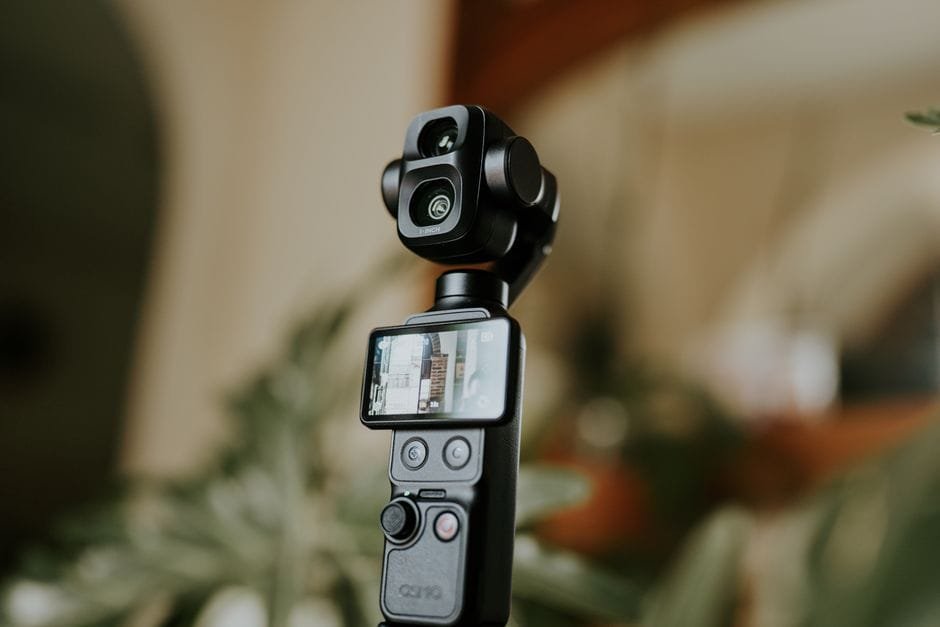
Is the DJI Osmo 360 II worth it?
Yes, if you shoot travel and outdoor scenes where light changes fast, and you plan to publish across multiple formats. The bigger sensors and 8K/60 aren’t just spec-sheet candy; they help you get cleaner footage and more edits from every clip. That saves time, which matters when you’re exporting a reel with spotty internet the night before a sunrise hike.
Hold off if your workflow is simple, your audience watches mostly on phones, or your laptop cries when it sees 4K. In that case, wait for local promos, clearance deals, or a creator bundle that covers the basics you’ll actually use. You won’t miss out if your content doesn’t need reframing or low-light help yet.
One more thing: if you travel in salty, humid places (so, most of our beaches), maintain your gear. Rinse accessories that meet splashes, dry everything with silica gel in the bag, and check ports before charging. Upgrades are great; reliability is better.
TL;DR verdict for Filipino travelers
The DJI Osmo 360 II is a solid upgrade for outdoor creators who need better low-light and the flexibility of 8K/60. If you earn from content or want to future-proof a travel library, go for it. If you’re casual and post mostly simple clips, your money works harder with audio, storage, and travel fund upgrades first. And yes, check Philippine pricing links before you hit buy—local bundles can tip the value either way.
Sources and Further Reading
– DJI Osmo 360 II: Should you upgrade? (Inquirer Tech)
– DJI Osmo 360 II now official: Dual 1-inch square CMOS sensors, 8K 60fps (YugaTech)
– DJI official site — check product page for full specs and recommended cards
Disclaimer: Prices, availability, and features can change. Always check the official page and local retailers for current PH pricing and bundles.