
If you plan to camp, island-hop, or travel off-grid in 2026, Starlink satellite-to-mobile is finally on the table via Globe in the Philippines. Pair that with PalawanPay now working in Google Wallet, and you can stay reachable and pay contactless even when the usual signal disappears. Round it out with a budget-friendly phone you won’t cry over if it gets sandy. That’s the play.
Why Starlink satellite-to-mobile matters for campers
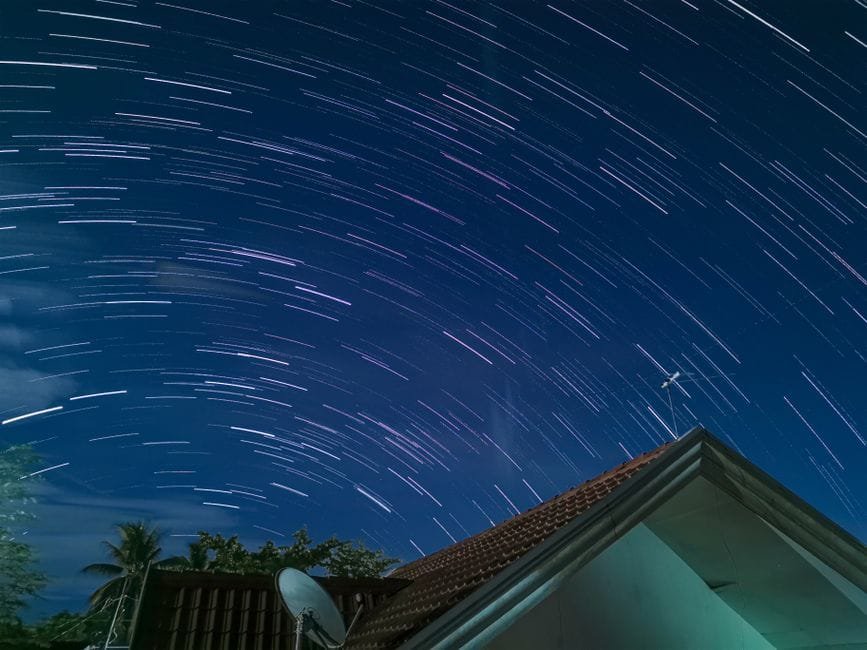
Globe has rolled out Starlink satellite-to-mobile service in the country, which means coverage can extend to places where your normal bars usually vanish. Think long bus rides across empty stretches, coastal camps, and post-typhoon scenarios when towers struggle. You still need to check Globe’s official page for supported devices, plan details, and coverage maps, because those can change fast.
From a practical IT setup: keep your Globe SIM active, prepare a power bank, and enable low-data habits. Sync offline maps before you go. Turn on essential messaging only. Satellite links often behave differently from city LTE, so expect a more “basic first, fancy later” mindset. If your trip is mission-critical, test the setup at home, then near the trailhead, before trusting it in the deep wild.
Cashless on the trail with Google Wallet
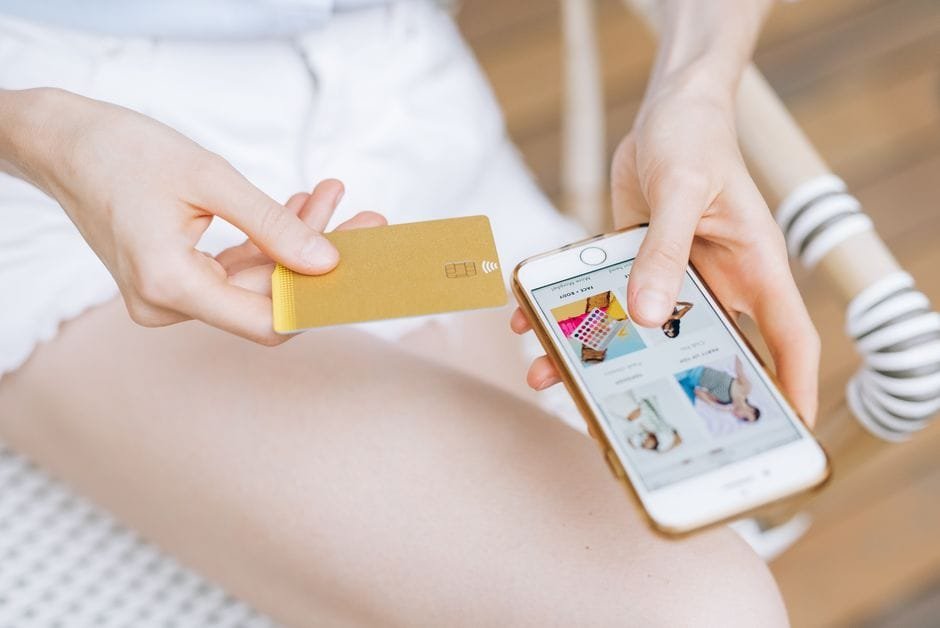
PalawanPay’s Visa card now works with Google Wallet. That means you can add it on Android and tap to pay where contactless terminals accept Visa and Google Wallet. Perfect for gas stops, quick marts near jump-off points, or grocery runs before heading to camp. Set it up while you have strong signal, confirm a small test purchase in the city, and keep a physical card as a backup. Some rural stores still prefer cash, so don’t ditch your emergency bills. But when contactless is available, ang bilis. Sobrang worth it for travel days.
A budget phone that won’t stress you out
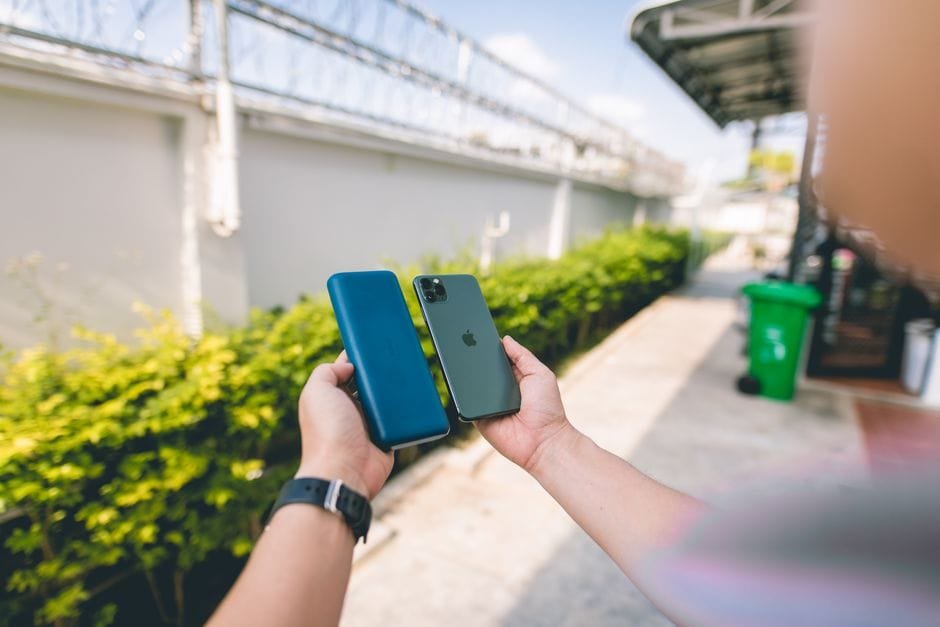
If you need a reliable device for this setup, the HONOR X7e is now available in the Philippines. It’s a practical pick if you want something affordable for maps, messages, and tap-to-pay. Check the official page for full specs and current deals. Install your essentials only: maps, wallet, authenticator, messenger, weather. Keep it lightweight. Tipid na, masaya pa.
| Tool/Device | Best For | Budget Level | Caution |
|---|---|---|---|
| Globe + Starlink satellite-to-mobile | Staying reachable in remote areas | Varies by plan | Check supported phones, plans, and coverage on Globe’s page |
| PalawanPay in Google Wallet | Contactless payments at Visa terminals | Wallet-friendly | Acceptance varies; keep backup cash/card |
| HONOR X7e | Affordable travel phone | Budget | Check the official page for full specs and current offers |
Quick setup that actually works
Before you travel, update your phone, add your PalawanPay Visa to Google Wallet, and enable device security. Save offline maps and essential documents. Put critical contacts on speed dial. Bring a compact power bank and a short cable you’ll actually use. Then confirm your Globe line functions where you’re going, and review their Starlink satellite-to-mobile coverage info. Small prep now means fewer problems when you’re chasing sunrise at 4 a.m.
Sources and Further Reading
Globe rolls out Starlink Satellite-to-Mobile Service in the Philippines
PalawanPay Visa Card now works with Google Wallet
HONOR X7e now available in the Philippines
Disclaimer: Features, availability, coverage, and acceptance can change. Always check the official pages and local rules before your trip.